Ship internationally with DHL Express.
Send documents and packages with packing and paperwork help at your local counter. Start online, no account needed.
Opens Cubic Ship’s tracking page with your number filled in. Have a CubicShip request reference?
From your screen to our counter.
Your screen
-
Start online
Choose a counter and send your shipment details. No account needed.
-
Bring your items
Show your request code. We’ll help with packing and paperwork.
-
Confirm and ship
Staff confirms price and delivery estimate before you pay at the counter.
Our counter
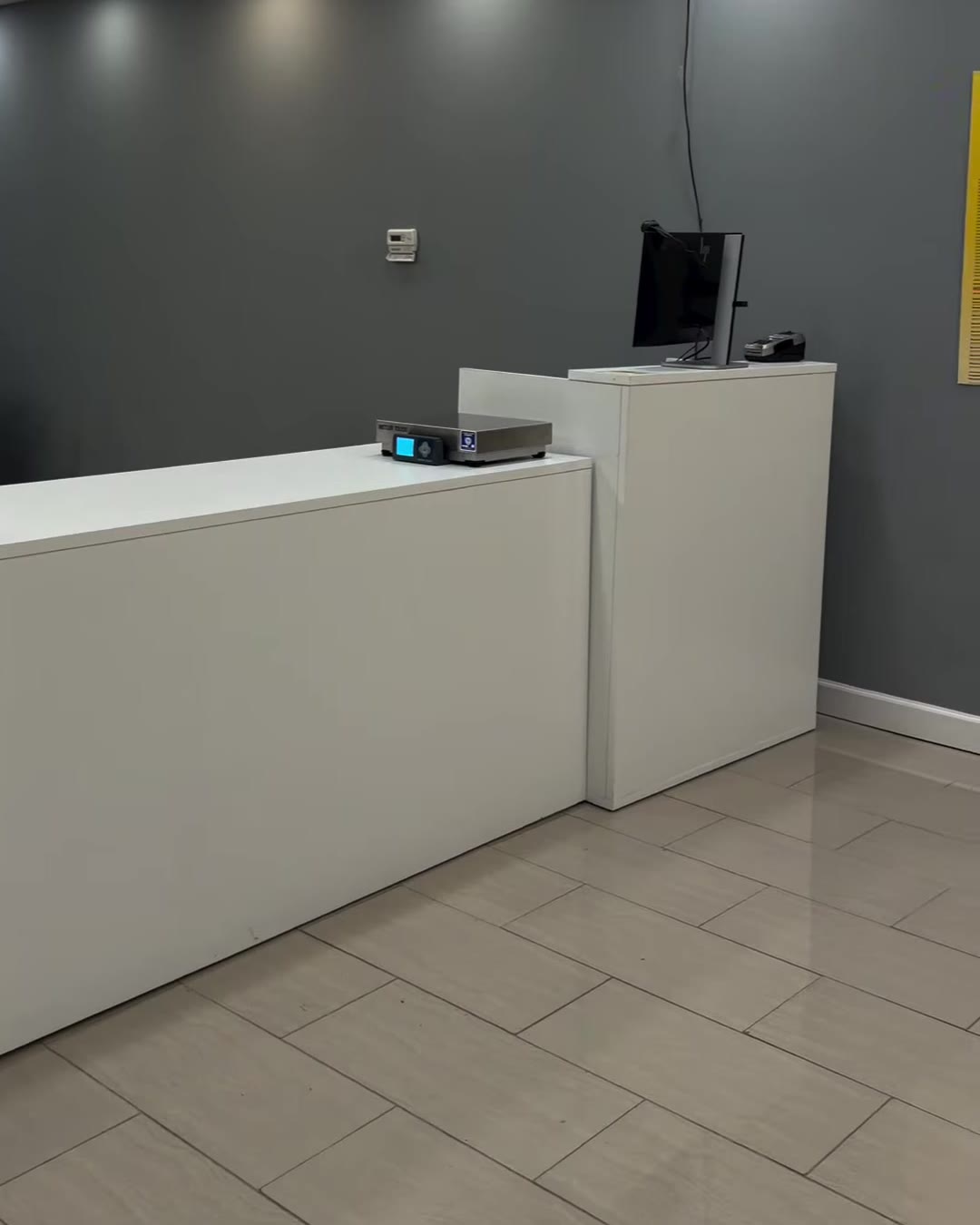
Final price, delivery estimate and item acceptance are confirmed by staff.
Last DHL collection can be earlier than closing time. Call the counter to confirm today’s cutoff.
- This request does not purchase a label or schedule a pickup.
- A request code is not a carrier tracking number.
What can we help you with?
Start with the service you need. Your chosen counter will confirm availability, price and timing.
- DHL Express shippingSend international documents and packages with help preparing your shipment. Start without an account.
- Print, pack & paperworkCopies, scans, label printing and packing help. Ask your counter about materials and availability.
- Business print & displayRequest business cards, stickers, banners or signage, with artwork and design help if needed.
- Freight & cargoRequest a quote for larger loads, air freight or ocean shipping. Include dimensions, weight, route and timing.
- Other counter servicesAsk about passport photos and document preparation, Illinois vehicle paperwork, bill payment, luggage storage and notary support. Availability varies by location.
Before you visit
How much will it cost?
Price depends on your destination, package size and weight. Request a DHL quote for staff to review. The online request does not purchase a shipping label.
Do I need a box or a printer?
Ask your counter for packing and label help. Staff confirms available materials and any packing charges.
Can I ship today?
Check your counter’s hours and last DHL collection before traveling. Sending an online request does not book a pickup.